Swirl
How far edge highlights bend, how wide that reach, and the angle of the bend.

Highlights form
Swirl bokeh for After Effects and Premiere Pro, built around a depth map on your timeline.
* After Effects & Premiere Pro 2020+, macOS & Windows
* Rendered with SPBokeh in Adobe After Effects.
A uniform round blur makes every highlight the same circle, near the edges as in the middle.
Off-axis highlights in a real lens bend into soft arcs, stronger toward the corners.
The frame reads as shot through a lens.
Drag the handle to compare. The right side has no extra grade or glow.

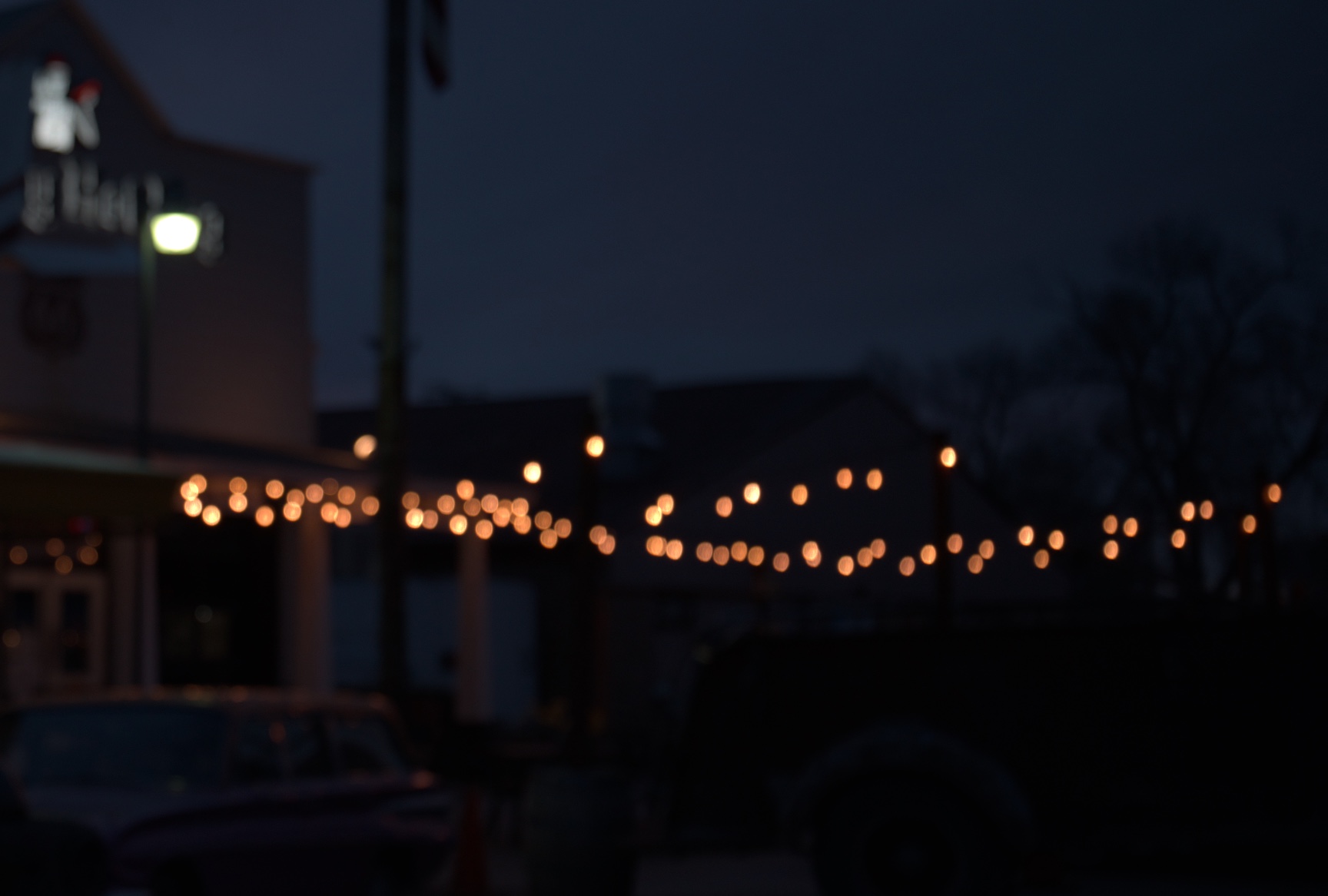
Real optical swirl comes from physical barrel vignetting. Off-axis highlights clip into gentle concentric arcs, while the center stays true.



How far edge highlights bend, how wide that reach, and the angle of the bend.
Circle, square, pentagon, hexagon, heptagon, or octagon, with adjustable roundness.
Brightness and thickness of the ring around each highlight.
Corner highlights become narrow ovals, with adjustable falloff.
Length of the tail on edge highlights.
Concentric rings on the highlights, color fringing toward the edges, and natural corner darkening.
Whether you are grading in SDR, HDR, working with Alpha channels, or handling camera log spaces, SPBokeh blends highlights naturally without crushing contrast, clipping highlights, or muddying colors.

Powered by Apple Metal on macOS and DirectX 12 on Windows, with CPU fallback if needed. Built-in quality modes let you prioritize snappy real-time timeline playback or max-fidelity final delivery.
Feed depth maps directly from your timeline. No depth map? The built-in focus capsule isolates subjects in seconds.

Instantly dial in distinctive vintage lens signatures. Use the built-in Preset Manager to save, store, and recall your own custom parameter sets across projects.

Depth is the only part that differs from After Effects. Put the depth map clip on another video track, apply Track Matte Key to your main clip first, and set Matte to the depth track with Composite Using on Matte Luma. Apply SPBokeh underneath, turn on Use Depth Layer, then set Focus Depth, Depth Range and Depth Feather. Bright means near; Depth Invert flips it.
No. Without one, the built-in mask keeps the area you choose sharp and lets everything around it fall out of focus. You can also estimate a depth map from ordinary footage with a model such as Depth Anything Small, bring that render onto the timeline, and use it as the depth layer.
No. One payment, perpetual license, no subscription. Updates are included.
A Single User license covers After Effects and Premiere Pro on up to two computers, as long as they are not in use at the same time. Floating Server and Render-Only licenses are available for teams and render nodes.
After Effects or Premiere Pro 2020 and later, on macOS or 64-bit Windows. macOS renders through Metal and Windows through DirectX 12, so any GPU that supports either API will run it. There is no separate list of supported cards. Both hosts fall back to CPU rendering when the GPU path is unavailable; it is optimized, and slower.
Yes. Commercial projects are covered. The license only rules out redistributing or reselling the plugin itself.
The trial runs seven days, so you can judge it on your own footage first. If something fails after purchase, open a support ticket with aescripts within 90 days. When the problem cannot be resolved, the purchase is refunded.
Purchase and download happen on aescripts.com. The license sits in your aescripts account, and the aescripts + aeplugins manager app installs the plugin and delivers updates.
One purchase includes all features and updates. No subscription.
$39.00
$39.00
One-time payment. Perpetual license.